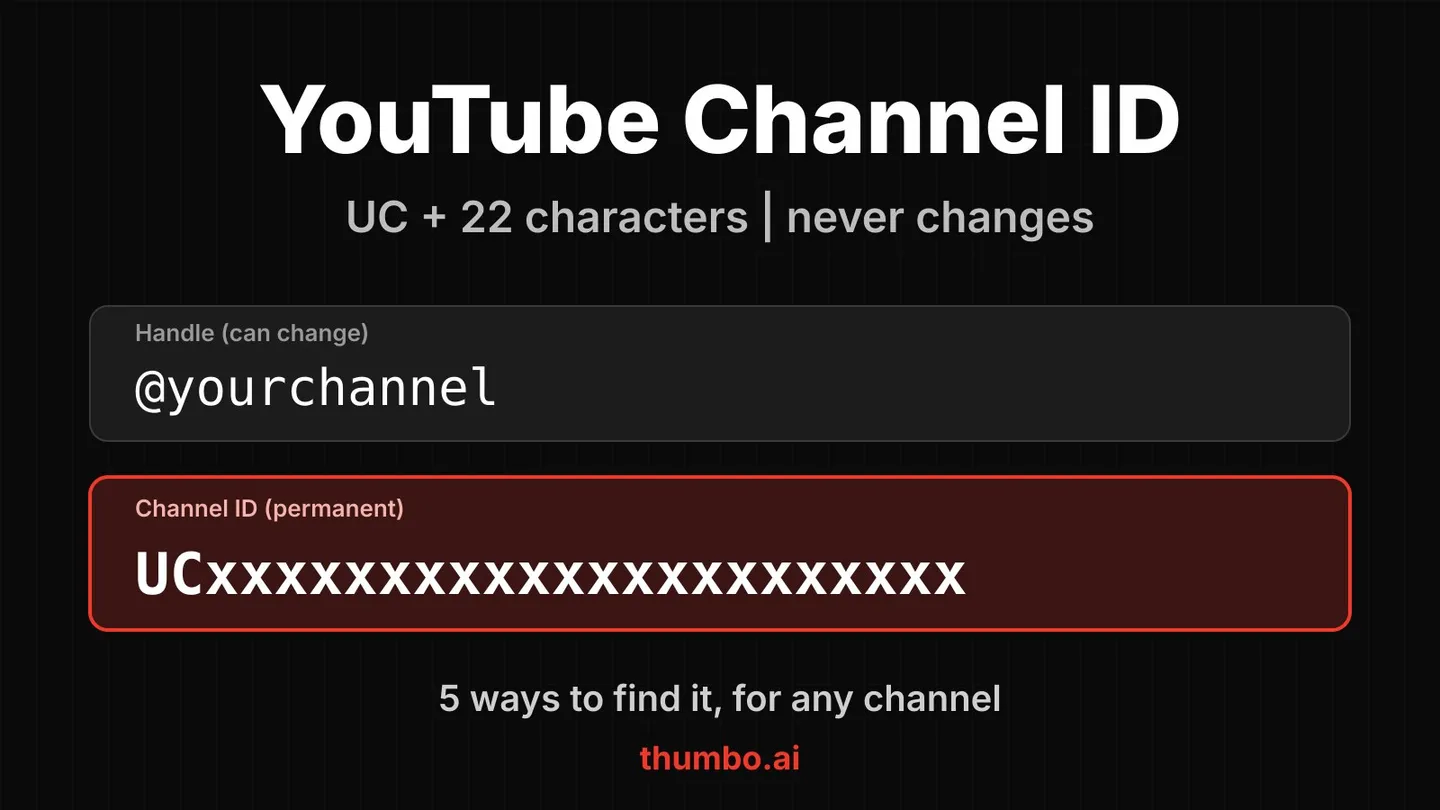
How to find a YouTube channel ID: if the channel is yours, sign in on youtube.com, click your profile picture, go to Settings, then Advanced settings, and copy the channel ID shown there (this is the route in YouTube Help). If it is someone else’s channel, paste its @handle or any of its video links into the free YouTube channel ID finder and copy the result. Both take under a minute.
A channel ID is a 24-character code that starts with UC, like UCX6OQ3DkcsbYNE6H8uQQuVA. It is the one name for a channel that never changes, which is why RSS readers, embed widgets, analytics tools and the YouTube API ask for it instead of the @handle you see on the channel page.
Below are five ways to find it, what the ID is compared with a handle and a custom URL, and the places you will actually need it.
Table of Contents
- Channel ID vs Handle vs Custom URL
- Method 1: Advanced Account Settings (Your Own Channel)
- Method 2: The Channel Page
- Method 3: View the Page Source
- Method 4: From a Video
- Method 5: Use a Channel ID Finder
- Where You Need the Channel ID
- FAQ
Channel ID vs Handle vs Custom URL
YouTube has used several ways to name a channel over the years, and they are easy to mix up.
| Name | Example | Can it change? |
|---|---|---|
| Channel ID | UCX6OQ3DkcsbYNE6H8uQQuVA | No |
| Handle | @MrBeast | Yes, the owner can edit it |
| Channel name | MrBeast | Yes, the owner can edit it |
| Legacy custom URL | youtube.com/c/MrBeast | Older format, no longer how channels are named |
| Legacy username | youtube.com/user/name | Older format, only on older channels |
The handle is what you see today in the address bar and in comments. It is short and readable, but the owner can change it. The channel ID is assigned by YouTube and stays with the channel for its whole life. When a tool needs something that must keep working after a rename, it wants the ID.
One more related code is worth knowing: the uploads playlist ID. Every channel has an automatic playlist of its public uploads, and its ID is the channel ID with the leading UC swapped for UU. APIs use it to list a channel’s videos.
Method 1: Advanced Account Settings (Your Own Channel)
This works only for the channel you are signed in to, and it is the official route described in YouTube Help.
- Sign in on youtube.com.
- Click your profile picture, then Settings.
- Choose Advanced settings.
- Find the Channel ID line and copy it.
Menu names can move as YouTube updates its site, so if you cannot see it, look for the same words in your account settings. The page address is youtube.com/account_advanced.
Method 2: The Channel Page
Open the channel’s page in a browser and look at the address bar. Channels that have a handle usually show youtube.com/@handle, which does not contain the ID. Two things can still get you there:
- Some channels, especially older ones or ones opened from certain links, open at an address that looks like
youtube.com/channel/UC.... The part after/channel/is the channel ID. - The channel’s About section may offer a share option with a way to copy the channel ID. If you see it, that is the quickest manual route.
If neither is available, the next methods always work.
Method 3: View the Page Source
Every channel page carries its ID in the underlying page code.
- Open the channel page on a computer.
- Right-click the page and choose View page source (or add
view-source:in front of the address). - Use the browser’s find command and search for
channel_id,externalIdor/channel/UC. - Copy the 24-character value that starts with
UC.
This is the most hands-on method, and the page code can change. If you do this often, a finder tool saves the trouble.
Method 4: From a Video
A video link does not contain the channel ID, but the video belongs to a channel, and that channel’s page does. Two ways to use this:
- Click the channel name under the video to open the channel page, then use Method 2 or 3.
- Paste the video link (a normal watch link, a
youtu.beshort link or a Shorts link) into a tool that looks up the uploader. This is how you find the ID when all you have is a link someone sent you.
Method 5: Use a Channel ID Finder
The simplest way for a channel you do not own is a lookup tool.
- Open the YouTube channel ID finder.
- Paste an @handle, a channel link, or any video link. Old
/c/and/user/links also work as a best guess. - Click Find channel ID.
- Copy the channel ID. The same result also gives you the channel URL, the uploads playlist ID and the RSS feed address, each with its own copy button.
For an old /c/ link or a bare name, the finder tries the name as an @handle and tells you which handle matched, so check it is the right channel. A video link avoids the guessing. The picture and name next to the result help you confirm it, which matters when channels have similar names. Need many channels? Switch the tool to “Many channels” and paste up to 25, one per line.
Where You Need the Channel ID
- RSS feeds. A channel’s feed address is
https://www.youtube.com/feeds/videos.xml?channel_id=followed by the channel ID. Paste it into a feed reader or an automation to get new uploads without visiting YouTube. - Embeds and widgets. Website builders and plugins that show a channel’s latest videos usually ask for the ID, because it survives a rename.
- The YouTube API. Channel endpoints accept the ID, and the uploads playlist derived from it is the usual way to list a channel’s videos.
- Analytics and monitoring tools. Third-party tools often track channels by ID so a handle change does not break history.
Once you have the ID you can go further with the same channel. The YouTube tag extractor shows the tags of any of its videos, and the banner downloader saves its channel art. If you run a channel yourself, matching your thumbnails to the rest of your channel look is worth the time, and Thumbo can copy a channel’s style from its link.
FAQ
What if the ID I found does not start with UC? A value starting with UU is the uploads playlist, not the channel. Swap the first two letters for UC. A value with @ is the handle.
Why can the finder not find a channel? Check the spelling of the handle, or paste a link to one of the channel’s videos instead, which avoids guessing a name. Very old custom URLs that were never converted to a handle may not resolve by name alone.
Does the channel ID change when a channel is renamed? No. The ID stays the same. Use the old ID with any tool that already has it, and look the new handle up again when you need the readable name.
How long is a channel ID? A real channel ID is exactly 24 characters. Anything else has extra text around it.