
What makes a great makeup thumbnail
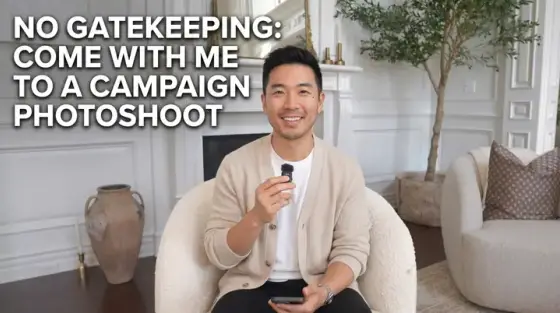
Beauty thumbnails are portraits first: skin, light and expression carry the click, and viewers in this niche have professionally trained eyes - they can tell a ring light from a softbox at sidebar size. The winning covers look like editorial shots that happen to have text, not screenshots that happen to show makeup.
Thumbo generates that editorial layer on top of your real look: upload a few photos once (the persona feature keeps your face genuinely yours - critical in a niche where your face is the brand), then describe the video. Transformation splits, product close-ups, GRWM energy - the AI stages the shot you didn’t have time to art-direct mid-tutorial.
Makeup thumbnail ideas
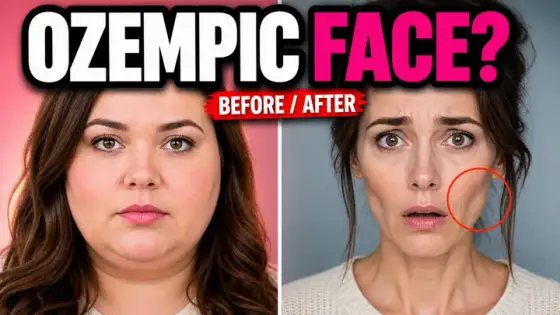
- The half-face split. Bare skin on one side, full glam on the other, hard vertical line. The oldest format in beauty and still the strongest - the transformation is instantly legible.
- Drugstore vs luxury verdict. Two products face-off with price tags ("$8 vs $80") and your verdict face between them. Price contrast plus a strong opinion is the niche’s review engine.
- The technique close-up. Tutorials: extreme close-up of the exact zone - the wing, the cut crease, the blend line - with the tool in frame. Promises the camera gets close enough to actually learn.
- GRWM with stakes. "GRWM for my ex’s wedding" - the getting-ready shot plus a text stamp that names the stakes. The event gossip is the hook; the makeup is the vehicle.
- The fail honesty card. "I tried the viral TikTok hack" with a visibly wrong result. Honest fails build more trust (and clicks) than another perfect look.
- One-product challenge. "Full face with only this" - the single product held up like a trophy. Constraint formats translate perfectly from gaming to beauty.
Makeup thumbnail background and text tips
Backgrounds: clean seamless-paper colors (blush, cream, sage) or a softly blurred vanity. The face must own 40-50% of the frame - beauty is the one niche where bigger faces reliably mean better CTR. Keep skin texture natural; over-smoothed AI skin reads as fake to this audience instantly.
Text: elegant sans or a thin serif accent, never gaming block letters. Price tags and percentages ("-70%", "$8") earn their place; adjectives don’t. Let the look carry the promise and keep words to two or three.
Prefer to do it by hand?
All the manual steps are covered by our free browser tools: study what already works with the YouTube thumbnail downloader, crop your image to the exact 1280×720 with the thumbnail resizer, and squeeze it under YouTube’s upload limit with the 2 MB compressor. No signup, nothing leaves your browser.