
What makes a great horror thumbnail
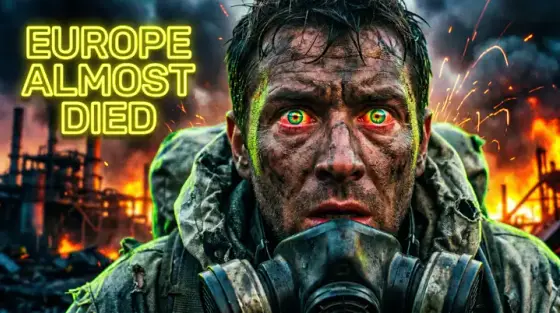
Horror is one of the few niches where a thumbnail can make a viewer feel something before the click - and that feeling is the product. The screaming-face-with-red-arrows era is fading; what outperforms now is dread: a figure slightly too far away, a doorway slightly too dark, a normal photo with one wrong detail. Curiosity plus unease beats shock.
That aesthetic is hard to fake with gameplay screenshots or stock photos, and it’s exactly what generative AI does best. Describe the wrongness - "a smiling family photo, but the reflection in the window doesn’t match" - and Thumbo renders it with the muted palette and cinematic grain the niche’s best channels use.
Horror thumbnail ideas
- The wrong detail. A mundane scene with a single element off - an extra shadow, a figure in a window, eyes open in a sleeping photo. Viewers zoom in, then click to resolve the itch.
- Night-vision frame. Green-tint camcorder framing with a timestamp and battery icon. Signals found-footage authenticity for analog horror, backrooms and "caught on camera" videos.
- The last photo. True-crime and mystery: a real-feeling candid with "taken 3 minutes before…" implied by the composition. The unfinished story is the hook.
- Iceberg silhouette. For iceberg and lore explainers: the familiar iceberg shape but with something staring from the deep layers. A twist on a recognized format outperforms the format itself.
- Doorway dread. A hallway shot where the door at the end is open exactly six inches. Negative space is the scare - leaves room for clean text placement too.
- 3 AM timestamp. Horror gaming and challenge content: the scene lit only by a screen or flashlight, "3:00 AM" as the sole text element. Time-of-night framing is instantly understood.
Horror thumbnail background and text tips
Backgrounds: desaturate everything except one accent (a red door, a yellow raincoat), crush the shadows but keep the monster ambiguous - what the viewer imagines is scarier than what you render. Fog and film grain hide AI artifacts and add atmosphere in one move.
Text: thin, slightly irregular serif or typewriter faces whisper better than heavy gaming fonts here. White or bone-gray, small relative to the image. Often the best horror thumbnail has no text at all - let the title carry the words.
Prefer to do it by hand?
All the manual steps are covered by our free browser tools: study what already works with the YouTube thumbnail downloader, crop your image to the exact 1280×720 with the thumbnail resizer, and squeeze it under YouTube’s upload limit with the 2 MB compressor. No signup, nothing leaves your browser.