What makes a great GTA thumbnail
GTA is really three audiences in one: RP viewers following characters like a TV series, car people here for builds and meets, and chaos enjoyers who want five stars and explosions. The best GTA thumbnails pick one of those promises and commit - Rockstar-style box art for RP drama, glossy automotive shots for builds, action-movie mayhem for rampages.
Thumbo speaks all three dialects. Describe the video and the vibe ("my RP character gets betrayed at the docks, noir lighting" or "$2M build reveal, sunset car meet"), optionally add a screenshot for reference, and the AI stages the poster. Since GTA 6 hype floods search regularly, being able to produce a topical cover in a minute is its own advantage.
GTA thumbnail ideas
- RP episode poster. Treat your storyline like a TV show: character close-up, episode-title text, a second character looming in the background. Serialized framing builds returning viewers.
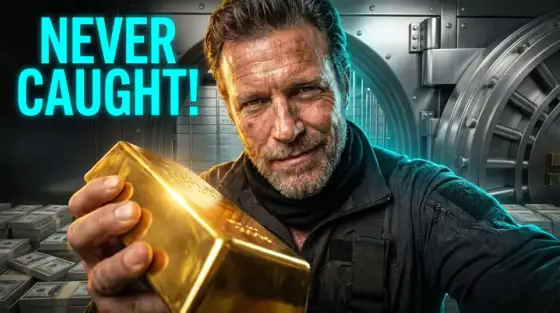
- The heist lineup. Crew walking toward the camera, bank behind, take amount as huge text ("$5,000,000"). The ocean’s-eleven shot is instantly legible and endlessly reusable.
- Five-star freeze. Chaos content: five glowing stars across the top, your character mid-jump from an exploding vehicle. Let the wanted level be the header instead of text.
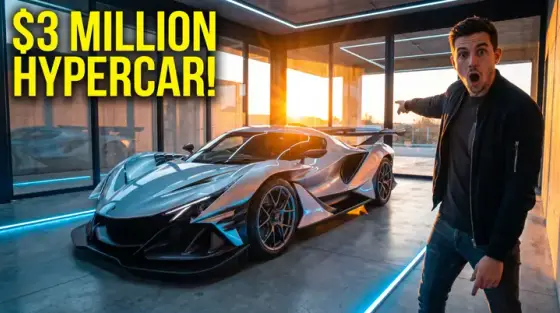
- Build reveal glamour. Car content: three-quarter front shot, low angle, golden-hour glow, price or horsepower stamped. Treat it like a hypercar ad - the examples above show the look.
- Cop POV flip. "I became a cop" videos: uniform close-up with the city burning in the mirror shades. Perspective flips refresh tired formats.
- GTA 6 speculation card. News-wave content: map fragment, magnifying glass, one bold claim ("FOUND IT"). Speed beats polish on hype days - generate while the wave is live.
GTA thumbnail background and text tips
Backgrounds: neon city nights, sunset palms, rain-slick streets - GTA’s own palette. Add film grain and a subtle anamorphic flare for the box-art feel. Keep faces and cars sharp, city soft.
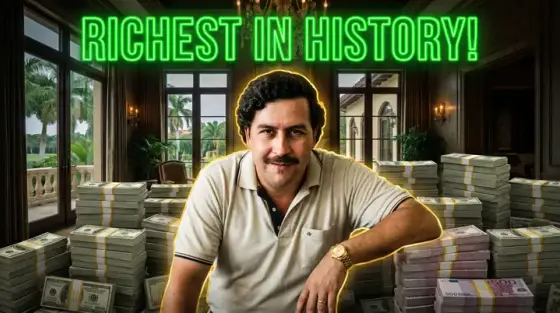
Text: GTA’s visual language is money and crime - dollar amounts, star ratings and police scanner phrases ("SUSPECT LOST") read as native. Heavy condensed caps, white or money-green, hard shadow.
Prefer to do it by hand?
All the manual steps are covered by our free browser tools: study what already works with the YouTube thumbnail downloader, crop your image to the exact 1280×720 with the thumbnail resizer, and squeeze it under YouTube’s upload limit with the 2 MB compressor. No signup, nothing leaves your browser.