
What makes a great Minecraft thumbnail
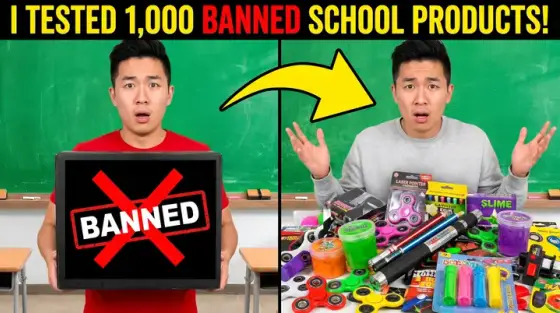
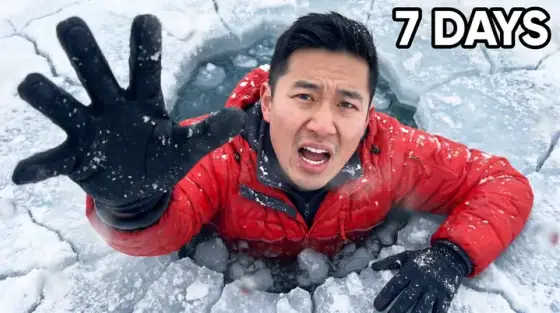
Minecraft viewers have seen millions of thumbnails, and the raw F2 screenshot stopped working years ago. What wins now is exaggeration: dramatic lighting on a build, a character mid-action, danger that is obviously about to happen. The big Minecraft channels don’t screenshot their videos - they stage covers that look like movie posters of the episode.
You don’t need a rendering artist for that anymore. Give Thumbo a screenshot of your build or seed as the reference, describe the episode ("day 100 of hardcore, my base finally finished, creeper sneaking up behind me"), and the AI stages the poster version - keeping your actual build recognizable while adding the drama that earns the click.
Minecraft thumbnail ideas
- The 100-days counter. Huge "100 DAYS" text over your world with a survival-scars story around it. The format keeps working because the number promises a complete saga.
- Base reveal poster. Your finished build shot from a heroic low angle at golden hour, tiny character in front for scale. Build videos live or die on how epic the build looks at 168px.
- One block / one chunk limits. Show the absurd constraint visually - a single floating block, a lonely chunk island in the void. Constraint challenges out-click generic gameplay every time.
- The creeper behind you. Imminent-disaster framing: TNT about to blow, a creeper flashing white, lava breaching a wall. Freeze the moment right before it goes wrong.
- Diamond vs Netherite split. Item-tier or before/after splits - wooden tools vs full enchanted kit, dirt hut vs mega-base. Two halves, hard diagonal line, one word per side.
- Cursed seed energy. For scary-seed and myth-testing videos: desaturate, add fog, red eyes in a cave mouth. Horror-Minecraft is its own thriving sub-niche with weak thumbnail competition.
Minecraft thumbnail background and text tips
Backgrounds: night scenes with a single strong light source (lava, torches, beacon beams) read far better in a small thumbnail than daylight scenes where green-on-green terrain turns to mush. If your episode happens in daylight, generate a sunset version - nobody fact-checks the sky.
Text: 2-4 words, blocky heavy font, yellow or white with a thick black outline. Numbers beat words ("100 DAYS", "1 CHUNK", "24 HOURS"). Keep text on the left or top - YouTube’s duration badge covers the bottom-right corner.
Prefer to do it by hand?
All the manual steps are covered by our free browser tools: study what already works with the YouTube thumbnail downloader, crop your image to the exact 1280×720 with the thumbnail resizer, and squeeze it under YouTube’s upload limit with the 2 MB compressor. No signup, nothing leaves your browser.