What makes a great Fortnite thumbnail
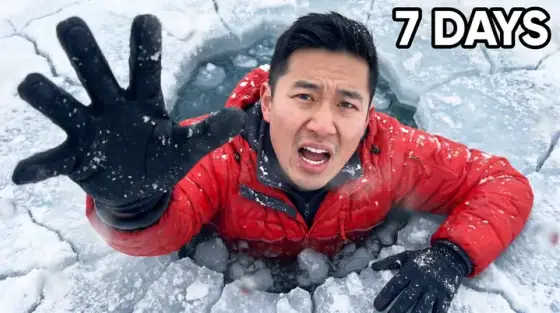
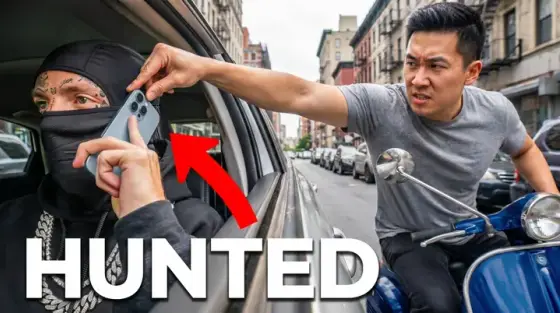
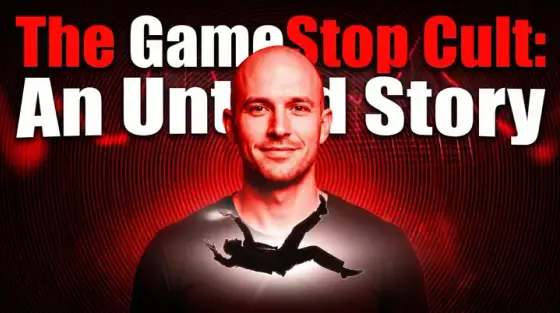
Fortnite thumbnails inherited their DNA from the game’s own splash art: dynamic poses, rim lighting, explosive skies. A flat screenshot of your last game reads as low-effort next to that, even if the clip itself is insane. The visual bar is set by Epic’s art team - and by the huge channels with dedicated artists.
The playbook that works: take one real element from your video (your skin, the drop spot, the final circle) and stage it with poster lighting and motion. Thumbo does the staging - upload a screenshot for reference, describe the moment ("last circle, 1 HP, storm closing, I win with a snipe"), and it renders the splash-art version.
Fortnite thumbnail ideas
- The clutch freeze-frame. 1 HP, storm wall glowing behind you, crosshair on the last enemy. Freeze the most improbable instant of the clip and let the text say the stat: "1 HP CLUTCH".
- New season poster. Season-launch videos spike hard for 72 hours. A battle-pass-style lineup with "SEASON X" text rides the search wave - speed matters more than polish, which is where AI wins.
- 1v1 rivalry split. You vs your opponent facing off across a diagonal split, lightning crack between. Works for creator battles, ranked grudges and "I fought a pro" videos.
- Zero build, zero chill. Ranked and zero-build content: your character sprinting from an absurd threat with the rank badge huge in a corner. "UNREAL RANK" as two-word text sells itself.
- The rarest skin flex. OG-skin and locker videos: the skin lit like a museum piece, price or rarity stat overlaid. Collectors and nostalgia hunters click reliably.
- Impossible challenge run. "No guns", "pickaxe only", "I dropped Tilted every game" - show the constraint as an object (crossed-out weapons, a lone pickaxe glowing).
Fortnite thumbnail background and text tips
Backgrounds: purple-orange storm skies, volumetric god rays, sparks. Fortnite’s own palette is neon-saturated, so match it or the cover looks like a different game. Blur everything except your character and the threat.
Text: 2-3 words in a heavy italic font tilted 3-5 degrees for motion. White with a colored glow beats flat colors on Fortnite’s busy backgrounds. Put the rank badge or kill count as a visual element instead of writing it in the title again.
Prefer to do it by hand?
All the manual steps are covered by our free browser tools: study what already works with the YouTube thumbnail downloader, crop your image to the exact 1280×720 with the thumbnail resizer, and squeeze it under YouTube’s upload limit with the 2 MB compressor. No signup, nothing leaves your browser.