What makes a great Roblox thumbnail
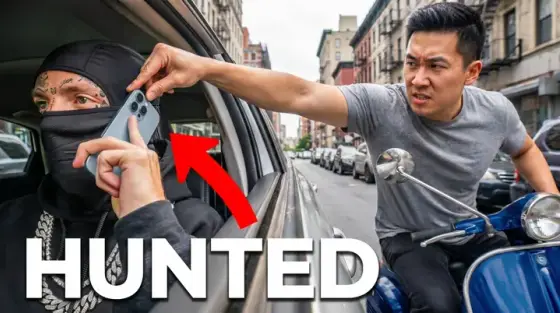
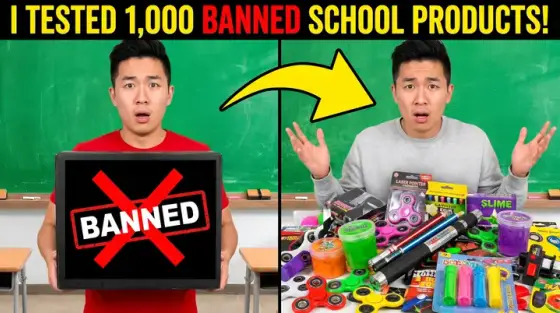
Roblox has the youngest audience on YouTube, and it clicks on energy: saturated colors, huge expressive avatar faces, chaos in progress. Subtle doesn’t exist here. The channels that dominate - and the games that convert on the Roblox platform itself - use covers that look like animated stills, not screen grabs of the experience.
Thumbo builds that style from a plain-English description. Upload a screenshot of your avatar or your game for reference, say what happens ("I survived 100 doors and the entity got my friend"), and the AI produces the bright, exaggerated cover the niche expects - with room for the two-word scream text on top.
Roblox thumbnail ideas
- The rage moment. Obby and Tower of Hell content clicks hardest on the fail: avatar mid-fall, giant "NOOO!" energy, stage number visible. Frustration is relatable fuel.
- Scam or trade drama. Adopt Me and trading videos: two offers side by side with a giant ≠ or a shocked face between them. "I got SCAMMED" remains one of Roblox’s strongest hooks.
- Horror at 3 AM. Doors, Rainbow Friends, any scary experience: dark corridor, one light source, avatar looking back over the shoulder. Add a timestamp - "3:00 AM" does real work.
- Admin abuse / secret powers. One avatar glowing with god-mode powers while others flee. The power-fantasy frame works for admin commands, gamepasses and "I became the boss" videos.
- Tycoon money printer. Cash stacks, Robux symbols, your tycoon in the background, an arrow going up. Money imagery is instantly legible even at sidebar size.
- Noob to pro glow-up. Default noob avatar on the left, maxed-out drip on the right, arrow between. The transformation format never stops working for grind and rebirth videos.
Roblox thumbnail background and text tips
Backgrounds: Roblox worlds are already colorful, so create depth with a radial glow behind your avatar and a slight blur on the scene. Keep one color dominant per thumbnail - all-rainbow covers cancel themselves out in the browse feed.
Text and sizes: two words max, bubbly heavy font, contrasting outline. For YouTube export 16:9 at 1280×720 or bigger (Thumbo exports 2K); for a Roblox game page you also need a 1920×1080 thumbnail and a 512×512 icon - generate the wide one first, make the 1920×1080 crop with the Full HD preset in our free resizer, then cut the 512×512 icon around the same focal point in any image editor.
Prefer to do it by hand?
All the manual steps are covered by our free browser tools: study what already works with the YouTube thumbnail downloader, crop your image to the exact 1280×720 with the thumbnail resizer, and squeeze it under YouTube’s upload limit with the 2 MB compressor. No signup, nothing leaves your browser.