
The tool with the most AI features isn’t automatically the best AI thumbnail generator. A fast image model can produce attractive artwork, but that doesn’t solve the harder workflow problems: understanding the video, keeping a creator’s face and brand consistent, making text readable at small sizes, supporting collaboration, and avoiding watermarks or restrictive credit limits. Thumbnail performance is also benchmark-driven. The benchmark research places typical CTR for established channels between 3% and 8% across most niches, with outliers above 10% on highly optimized channels, and it draws only on videos with at least 10,000 impressions. It also finds that thumbnail text has to be judged by traffic source, because a treatment that lifts CTR in search can cost CTR in browse and suggested. This roundup compares Thumbo AI, Canva, Adobe Express, Fotor, Kapwing, VEED, and Picsart by workflow and output needs, separating quick automation from hands-on design control. Plan details, credits, watermarks, and export rules can change, so verify current terms before purchasing.
Table of Contents
- 1. Thumbo AI
- 2. Canva
- 3. Adobe Express
- 4. Fotor
- 5. Kapwing
- 6. VEED
- 7. Picsart
- Top 7 AI Thumbnail Generators, Feature Comparison
- Choose the Tool That Matches Your Publishing System
1. Thumbo AI
Thumbo AI is the strongest fit for creators who want to move from a video idea to a branded YouTube thumbnail without opening a complex design editor. Its workflow is built around automation first. The platform can read a video, infer a visual direction, and generate a thumbnail using one of its 50+ Style Packs. It can also match the visual character of a channel from its URL, which makes it more useful for repeat publishing than a generic text-to-image tool.
The face workflow is a practical differentiator. You upload a few photos of yourself once, and the persona feature keeps your likeness consistent across generated thumbnails. Plain-language changes such as making your face larger or adding a cap reduce the need for prompts and layer-by-layer editing. That matters because independent creator research across 1,000 thumbnails found that designs with a human face averaged 6.8% CTR, compared with 4.1% without a face. The same study ranks expression intensity above face presence: extreme expressions averaged 7.9% against 4.2% for neutral ones, and a neutral face gave almost no advantage over no face at all. So Thumbo’s value isn’t just generation speed. It’s the ability to iterate around a recognizable, editable visual pattern until the expression lands.
Where Thumbo fits best
Thumbo is designed for bloggers, YouTubers, influencers, and content teams that publish regularly and want ready-to-publish output in roughly 30 - 60 seconds. You can sign up and generate your first thumbnails free with no credit card, and every paid plan opens with a 7-day free trial. Paid plans remove watermarks and export standard 16:9 YouTube thumbnails and 9:16 Shorts covers.
The trade-off is volume. Monthly limits are 35 thumbnails on Lite, 75 on Starter, and 200 on Pro, so high-output networks may need a larger arrangement. Current listed pricing is $19 per month for Lite, $39 for Starter, and $79 for Pro, or $14, $29, and $59 per month when billed annually, respectively. Thumbo AI’s website should be checked for current pricing and plan terms before subscribing.
Practical rule: Use automation to create the first direction, then refine the face, hook, contrast, and text before publishing.
For creators who value speed, channel-style matching, and consistent faces more than deep compositing, Thumbo is the clearest workflow match in this list.
2. Canva
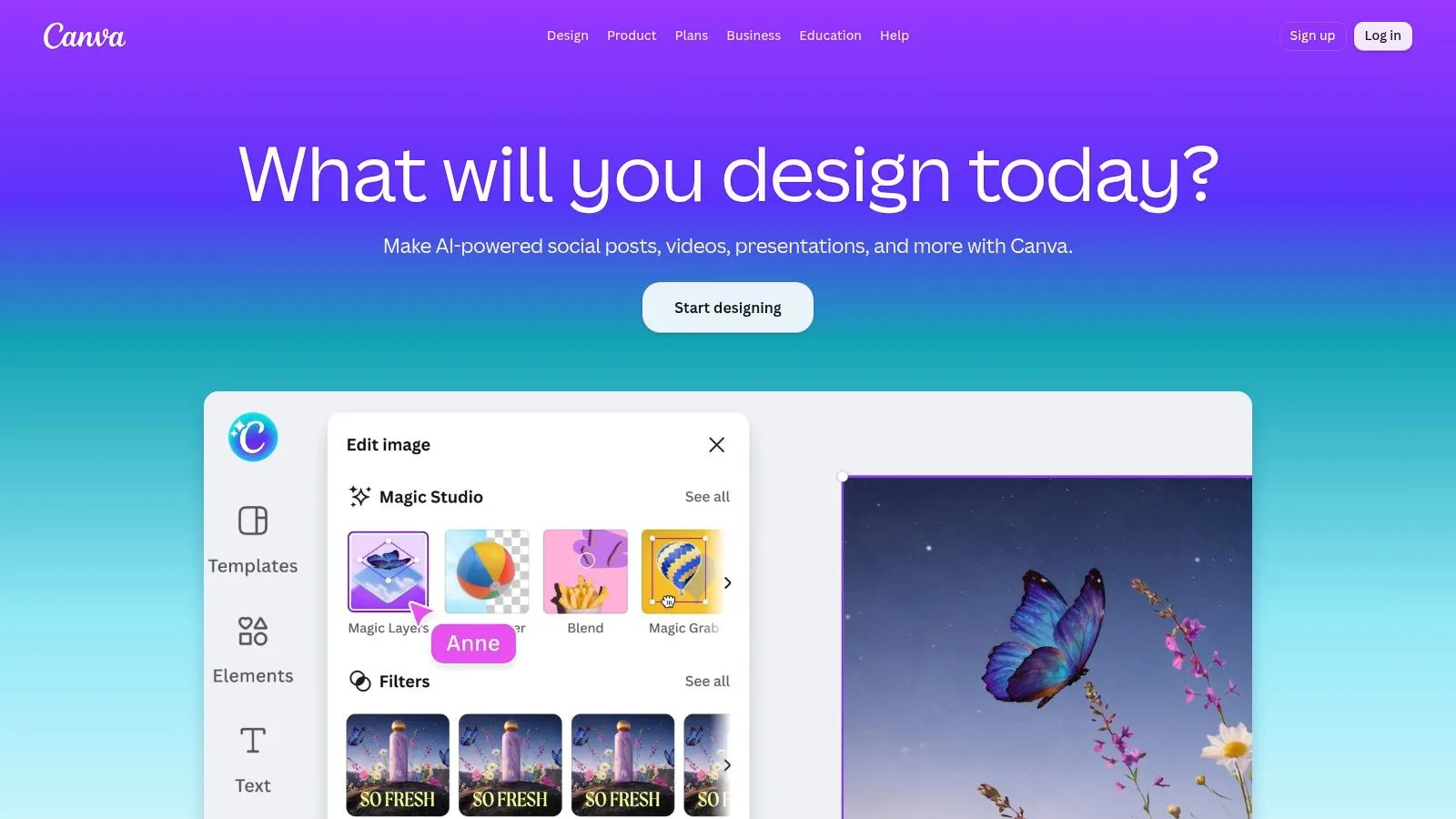
Canva works best when the thumbnail is part of a broader design system. Its large YouTube template library gives creators a reliable starting point, while the drag-and-drop editor lets them adjust typography, colors, images, icons, and spacing without leaving the platform. The workflow feels less like “generate one finished thumbnail” and more like “build a repeatable visual kit.”
Its AI layer adds several routes to a concept. Magic Design can generate design directions from a prompt or supplied content, Magic Media supports text-to-image generation, and Magic Edit and Magic Erase help modify an existing composition. Canva also supports YouTube-ready layouts at 1280×720 and can create variants for other platforms through Magic Resize. Those features make it useful for creators who need a thumbnail, social post, blog image, or presentation graphic from the same brand assets.
Automation versus control
Canva’s advantage is the handoff between AI and manual editing. If the generated text is awkward, the layout feels too generic, or a subject needs repositioning, you can fix the problem directly. That control is valuable because fully automated thumbnails can underperform when creators don’t preserve the visual cues their audience already recognizes.
The compromise is that Canva can feel template-led. A creator seeking video-aware generation, automatic facial emphasis, or channel-style replication may need to do more work after the initial concept. AI features and usage allowances can also vary by plan and region, so review the current account terms rather than assuming every tool is included.
For a broader explanation of how free AI thumbnail workflows differ from full design suites, see this guide to a free AI thumbnail maker. Choose Canva when your priority is templates, brand assets, and deep everyday editing, not one-click video interpretation.
3. Adobe Express
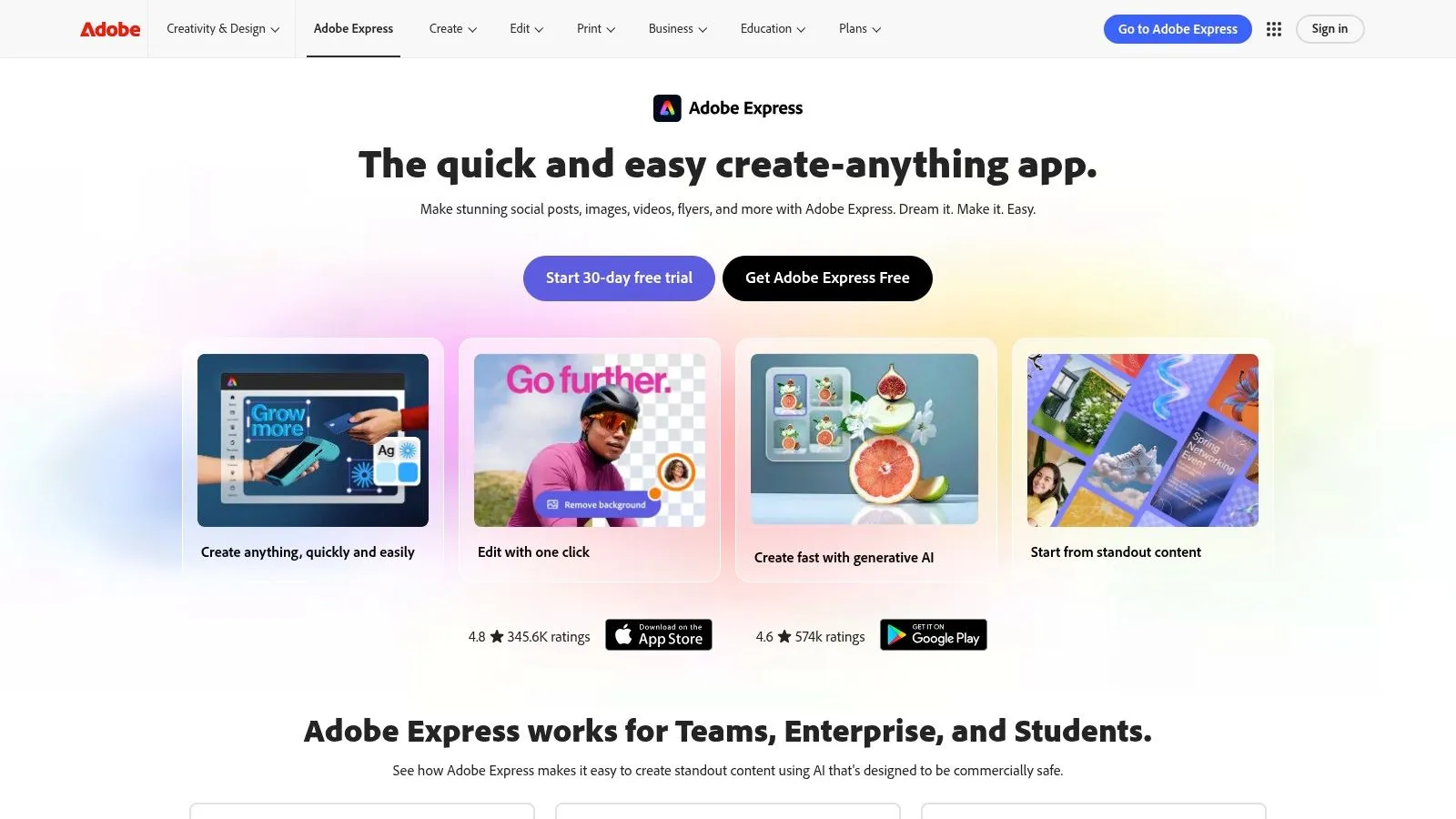
Adobe Express suits creators who want a simple thumbnail editor but don’t want to leave the Adobe ecosystem. It combines YouTube templates, brand kits, and familiar layout controls with Adobe Firefly generation. Firefly supports text-to-image creation and Generative Fill, allowing users to expand, replace, or reshape parts of a composition instead of starting over whenever an image needs correction.
The commercial-use question is part of Adobe Express’s appeal. Adobe positions Firefly around a commercial-use and intellectual-property approach, which may matter to businesses, agencies, and creators publishing sponsored content. That doesn’t remove the need to review the exact terms for your plan and use case, but it gives Adobe Express a different risk profile from tools where generated assets and licensing conditions require more individual investigation.
Best for Adobe-centered teams
The strongest reason to choose Adobe Express is the path to deeper editing. A thumbnail can begin in Express, then move into Photoshop or Illustrator when the project needs more precise masking, retouching, typography, or illustration work. That makes it more suitable for a designer-supported channel than for someone who wants no-touch generation.
Generative features use a credit system shared across Adobe apps, so usage planning matters. Heavy experimentation can consume credits across multiple projects, and the YouTube-specific template selection may feel less trend-focused than a dedicated thumbnail product. Adobe Express is therefore a good middle ground for brand kits, commercial-conscious workflows, and Adobe handoffs, but it isn’t the fastest option for creators who want a finished thumbnail from a video with minimal input.
4. Fotor
Fotor takes a more direct generate-and-tweak approach. Its dedicated AI thumbnail maker is built for YouTube and TikTok use cases, and the workflow starts with an uploaded subject or a prompt. The tool can cut out the main subject, apply a matching background and color direction, and arrange the composition automatically. For a creator who doesn’t want to assemble a layout from individual assets, that focused flow is easier than a general design canvas.
The broader Fotor toolkit adds practical cleanup tools such as background removal, object removal, and image enhancement. Those tools are useful when the source photo is acceptable but not publication-ready. A creator can generate a concept, correct the subject separation, then improve the image without switching platforms.
The final typography still needs attention
Fotor’s automation handles composition quickly, but generated text and brand details may need manual refinement. Thumbnail copy has to remain legible when the image is small, and a polished background can’t compensate for weak hierarchy or an unclear subject. The best results will come from treating the AI output as a strong draft rather than assuming the first version is ready.
Fotor runs its thumbnail maker alongside the rest of its editor, and download, watermark and asset-rights terms can vary by plan. Review those terms if you’re creating commercial, sponsored, or client work. Fotor is a sensible choice for simple thumbnail production, fast subject cutouts, and light editing, especially when you want a purpose-built tool without the complexity of a full creative suite.
For a practical workflow focused on moving from a source image to a usable composition, this thumbnail creation guide offers a useful comparison point.
5. Kapwing
Kapwing fits creators whose thumbnail workflow begins with the video, rather than with a blank image prompt. Its YouTube Thumbnail Maker can extract a freeze-frame from uploaded footage, producing a relevant starting image while keeping the presenter, product, or setting visible. That approach suits tutorials, interviews, reviews, and commentary, where the thumbnail must reflect what viewers will see.
A video-aware thumbnail should clarify the video’s promise rather than making the frame more dramatic. Starting with footage reduces the risk of creating an attractive image that misrepresents the subject or context.
The browser editor then supports AI-assisted changes, text overlays, and quick visual adjustments. It offers less automatic brand matching than a dedicated channel-style tool, but gives creators more control over hierarchy, cropping, and final copy. That trade-off matters when generated layouts need manual correction before publishing.
Collaboration can outweigh extra effects
Kapwing becomes more useful when a creator, editor, producer, or client reviews the same asset. Cloud sharing and collaboration reduce file handoffs and keep feedback attached to one version. For a growing channel, that shared review process can save more time than another set of decorative effects.
The practical limits are clear. Free exports include a watermark, while AI features may consume credits or other usage allowances. Teams generating several alternatives should account for those limits because repeated review cycles can use the available allowance before a final direction is chosen.
Kapwing’s platform suits creators who need freeze-frame extraction, browser-based editing, and team review. Choose it when accurate video context and collaborative editing matter more than automatic channel-style matching. It is less suitable for a finished thumbnail generated without uploading video or making manual adjustments.
6. VEED
VEED is a natural choice for creators who already edit their videos in VEED. Its AI Thumbnail Maker and AI image tools keep thumbnail production in the same workspace as video editing, which reduces the friction of exporting a frame, opening another tool, and rebuilding context. Creators can generate from a prompt, start from a template, and finish the composition without moving between applications.
That connected workflow is more important than the raw number of generation features. If your thumbnail needs to use a presenter frame, a visual from the edit, or a consistent project asset, staying inside the video editor can make the process easier to repeat. VEED also provides help documentation for its AI image generation flow, which can be useful for users who want guidance rather than a completely open-ended prompt box.
Watch the credit pool
VEED’s weakness is the same feature that supports experimentation. AI image generation operates through credit pools, and users may need a paid plan or add-ons for sustained use. Free exports also include a watermark, so a free workflow may be suitable for testing but not for final channel publishing.
VEED is best for video-first creators who already work inside the platform. It won’t necessarily offer the deepest thumbnail-specific brand controls, but it can remove enough switching and file handling to justify the choice. If you’re comparing it with Kapwing, choose VEED when the whole video edit already lives there. Choose Kapwing when freeze-frame extraction and team collaboration are the central requirements.
7. Picsart
Picsart is built for visual experimentation rather than strict thumbnail standardization. Its YouTube templates provide a starting structure, while text-to-image generation, styles, filters, and effects make it easy to explore bold directions quickly. That makes Picsart attractive for gaming, entertainment, fashion, lifestyle, and other categories where exaggerated color, unusual treatments, or high-energy compositions fit the channel.
The platform also works across mobile and desktop, so creators can make quick changes away from a workstation. That matters when a thumbnail needs a last-minute crop, stronger contrast, or a different text treatment before publishing. Its broad asset and effects library can help creators produce several distinct concepts without building every visual element from scratch.
Choose experimentation with guardrails
Picsart’s credit-based AI usage means creators need to monitor how quickly they spend allowances, particularly on lower tiers. The platform also gives you enough stylistic freedom to create thumbnails that look impressive but drift away from your established identity. That can weaken recognition if every upload uses a different visual language.
Research on AI thumbnails points toward a useful constraint. One analysis of AI thumbnail performance argues that the generated image only holds its CTR when the video delivers what it promised, and that subject focus matters more than decorative treatment. That supports a cautious use of Picsart’s effects: test variations, but preserve the face treatment, contrast, and text hierarchy that your audience already understands.
Choose Picsart for stylized exploration, mobile editing, and rapid visual prototyping. It’s not the strongest choice for hands-off video-aware generation or tightly governed brand systems.
Top 7 AI Thumbnail Generators, Feature Comparison
| Tool | Implementation complexity | Resource requirements | Expected outcomes | Ideal use cases | Key advantages |
|---|---|---|---|---|---|
| Thumbo AI | Very low, one-click auto-styling and video read. | Subscription tiers with monthly thumbnail quotas; minimal manual effort. | High, fast, ready-to-publish, consistent, conversion-focused thumbnails. | Regular YouTubers/influencers needing branded thumbnails at scale. | Speed, video-reading auto-style, consistent persona, 50+ Style Packs. |
| Canva | Low, drag-and-drop with AI-assisted templates. | Free tier + paid plans; AI features may use credits on some plans. | Versatile, well-crafted templates and easy cross-platform variants. | Creators who want an all-in-one editor and large template library. | Huge template/asset library and integrated editing tools. |
| Adobe Express | Low - medium, template-driven; Firefly integration. | Adobe account and shared generative credits; integrates with Adobe apps. | Professional, commercially safe AI assets and smooth handoff to Adobe tools. | Creators needing Adobe ecosystem and commercial-clear assets. | Firefly commercial licensing and Photoshop/Premiere integration. |
| Fotor (AI Thumbnail Maker) | Low, purpose-built generate-and-tweak workflow. | Web-based; some licensing terms vary by plan; simple UI. | Focused, quick, click-focused thumbnails with auto cutouts. | Users wanting rapid generate-and-refine thumbnails for YouTube/TikTok. | Dedicated thumbnail generator, automatic subject cutout. |
| Kapwing | Low - medium, editor plus freeze-frame capture from video. | Cloud collaboration; free exports may include watermark; possible credit limits. | Aligned, thumbnails that match video frames and story moments. | Creators who build thumbnails directly from video frames or work in teams. | Freeze-frame capture, AI-assisted edits, team collaboration. |
| VEED (AI Thumbnail Maker) | Low - medium, integrated in video editor with prompt options. | Subscription + optional AI credit add-ons; free exports may watermark. | Cohesive, thumbnails produced within the video-editing workflow. | Editors who want to generate thumbnails while editing video in one app. | Stay-in-app flow, in-editor AI image generation. |
| Picsart | Low, template + generative effects, mobile-friendly. | Credit-based advanced AI features; mobile and desktop apps. | Stylized, bold, high-contrast thumbnail art for visual impact. | Creators seeking fast stylistic experiments and mobile edits. | Fast prototyping of styles, extensive effects and mobile access. |
Choose the Tool That Matches Your Publishing System
There isn’t one universal winner because the right tool depends on where thumbnail work begins and how much control you need before publishing. The wider category is expanding quickly. The global AI image generator market was estimated at USD 412.51 million in 2025 and is projected to reach USD 1,747.63 million by 2034, with a projected 17.40% CAGR from 2026 to 2034. Fortune Business Insights reports that North America accounted for 40.34% of the market in 2025. That growth creates more choice, but it also makes workflow fit more important than feature-count comparisons.
Choose Thumbo AI if you want fast, branded, video-aware automation, consistent facial identity, and plain-language edits. Its monthly generation caps make it better for individual creators and regular publishing teams than for very large networks unless the available volume meets your needs.
Choose Canva for broad templates, brand assets, and all-purpose editing. Choose Adobe Express if Firefly generation, brand kits, and a path into Photoshop or Illustrator matter more than the fastest possible output. Choose Fotor for a dedicated generate-and-tweak process with automatic subject cutouts and quick cleanup tools.
Kapwing is the better fit when you want to extract a freeze-frame and collaborate in the browser. VEED makes the most sense for creators already editing their videos there, while Picsart suits stylized experimentation across mobile and desktop.
Before committing, test the same video concept in your shortlisted tools. Inspect face consistency, text readability at small size, relevance to the actual video, and how easily you can produce a second or third variant. Confirm watermark rules, credit limits, export dimensions, collaboration permissions, and current pricing. Then judge the winner on more than the click: the benchmark research makes the point that CTR is only worth reading next to audience retention, because a thumbnail that wins the click and loses the viewer is the more expensive outcome. Your own repeatable process should decide the final choice.
Thumbo AI turns a video idea or channel reference into branded thumbnail variants, with video-aware styling, face consistency, plain-language edits, and export options for YouTube and Shorts. If you want to compare fast automation with the more manual tools in this list, visit Thumbo AI and test your next thumbnail workflow.